AI Chatbot Setup Checklist: From Install to First Lead in 5 Minutes
Setting up an AI chatbot doesn't have to be complicated. Follow this simple five-step checklist to install your chatbot, connect your tools, and start capturing qualified leads in just a few minutes.
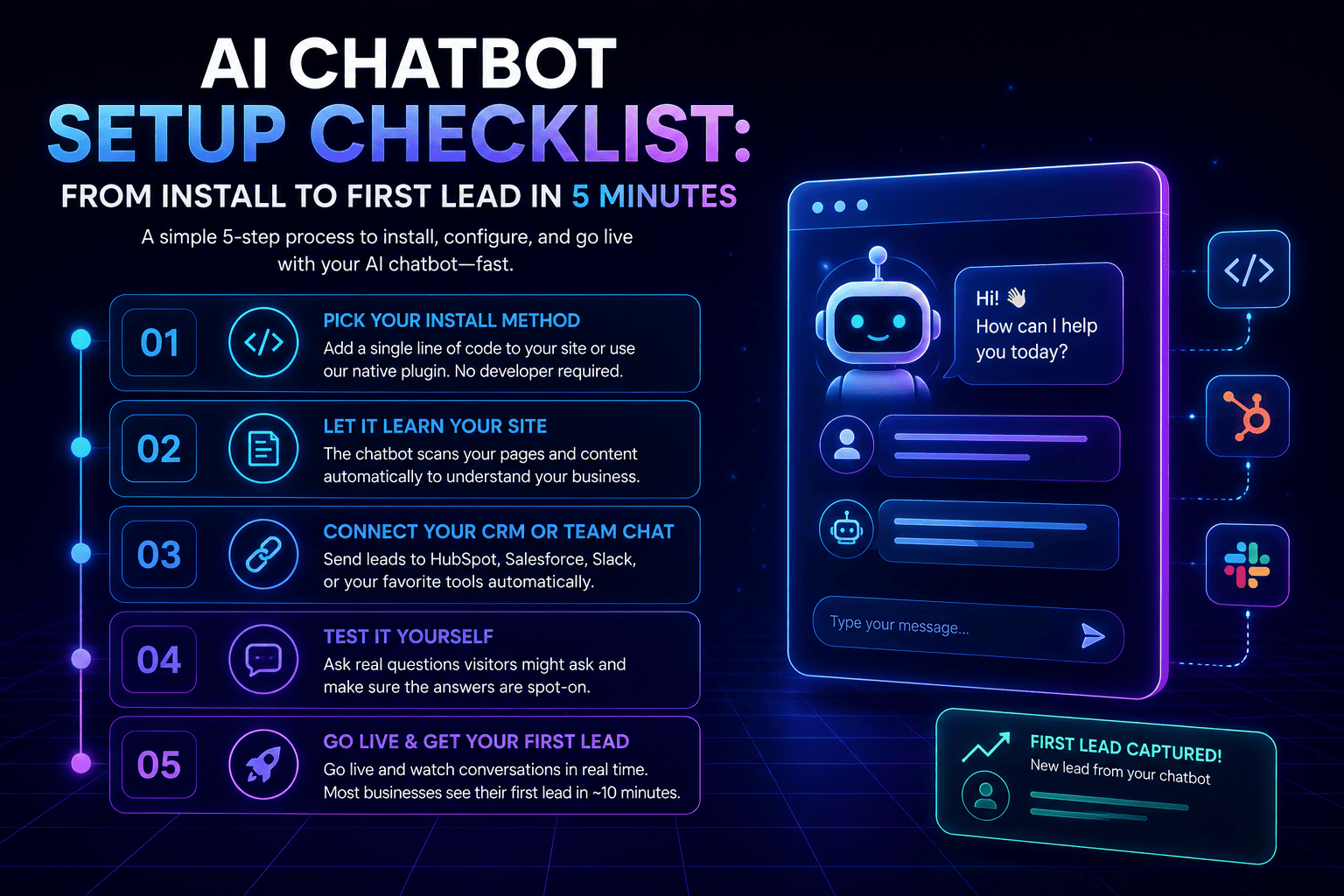
The biggest reason businesses put off installing a chatbot isn't doubt that it works; it's uncertainty about how much work the setup itself will be. In practice, it's a five-step checklist, and most of it takes less time than reading this post.
Step 1: Pick Your Install Method
Paste a single line of code before your site's closing </body> tag, or use a native plugin if your site runs on WordPress, Wix, Webflow, or Squarespace. Either way, no developer time is required.
Step 2: Let It Learn Your Site
Once installed, the chatbot scans your existing pages and content automatically- pricing, FAQs, product or service details- so it can answer real questions without being manually trained on every page.
Step 3: Connect Your CRM or Team Chat
Link the chatbot to HubSpot, Salesforce, or Slack so captured leads route automatically to wherever your team already works, instead of sitting in a chat log nobody checks.
Step 4: Test It Yourself
Before considering setup finished, ask the chatbot a handful of real questions a visitor might actually ask. This step gets skipped more than any other, and it's the one that catches gaps in what the bot actually knows before a real visitor does.
Step 5: Go Live and Watch the First Conversations
Once live, every conversation is visible in a real-time dashboard. Most businesses see their first captured lead within about 10 minutes of finishing setup.
Common Mistakes to Avoid
Skipping the test step and assuming the bot knows more than it does. Forgetting to connect a CRM, which leaves captured leads stranded in a chat log. And leaving default FAQ content untouched instead of adding the specific questions your own customers actually ask.
Common questions
How do I add an AI chatbot to my website?
You can install an AI chatbot by adding a small JavaScript snippet before your website's closing
How long does it take to set up an AI chatbot?
Most businesses can complete installation and basic configuration in under five minutes, with many capturing their first lead shortly after going live.
Do I need a developer to install an AI chatbot?
No. Most AI chatbot platforms are designed for non-technical users and offer simple installation methods, including plugins and copy-and-paste code snippets.
Put these ideas into practice
Explore product features, setup guidance, or current plan details to see how Instanious can support your website conversations.
More stories to explore
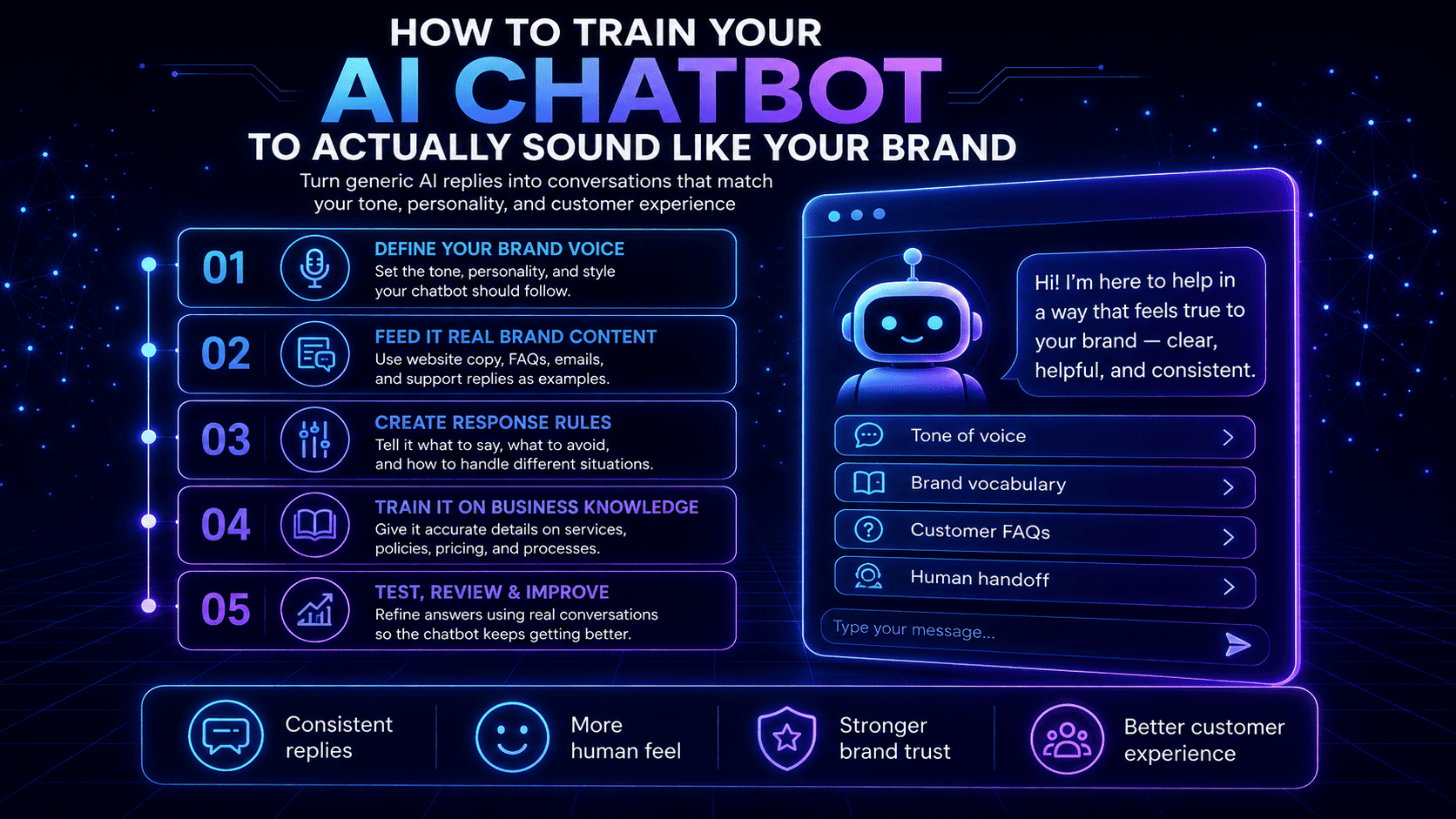
How to Train Your AI Chatbot to Actually Sound Like Your Brand
Learn how to train your AI chatbot to match your brand’s tone, personality, vocabulary, and communication style so every conversation feels consistent and human.
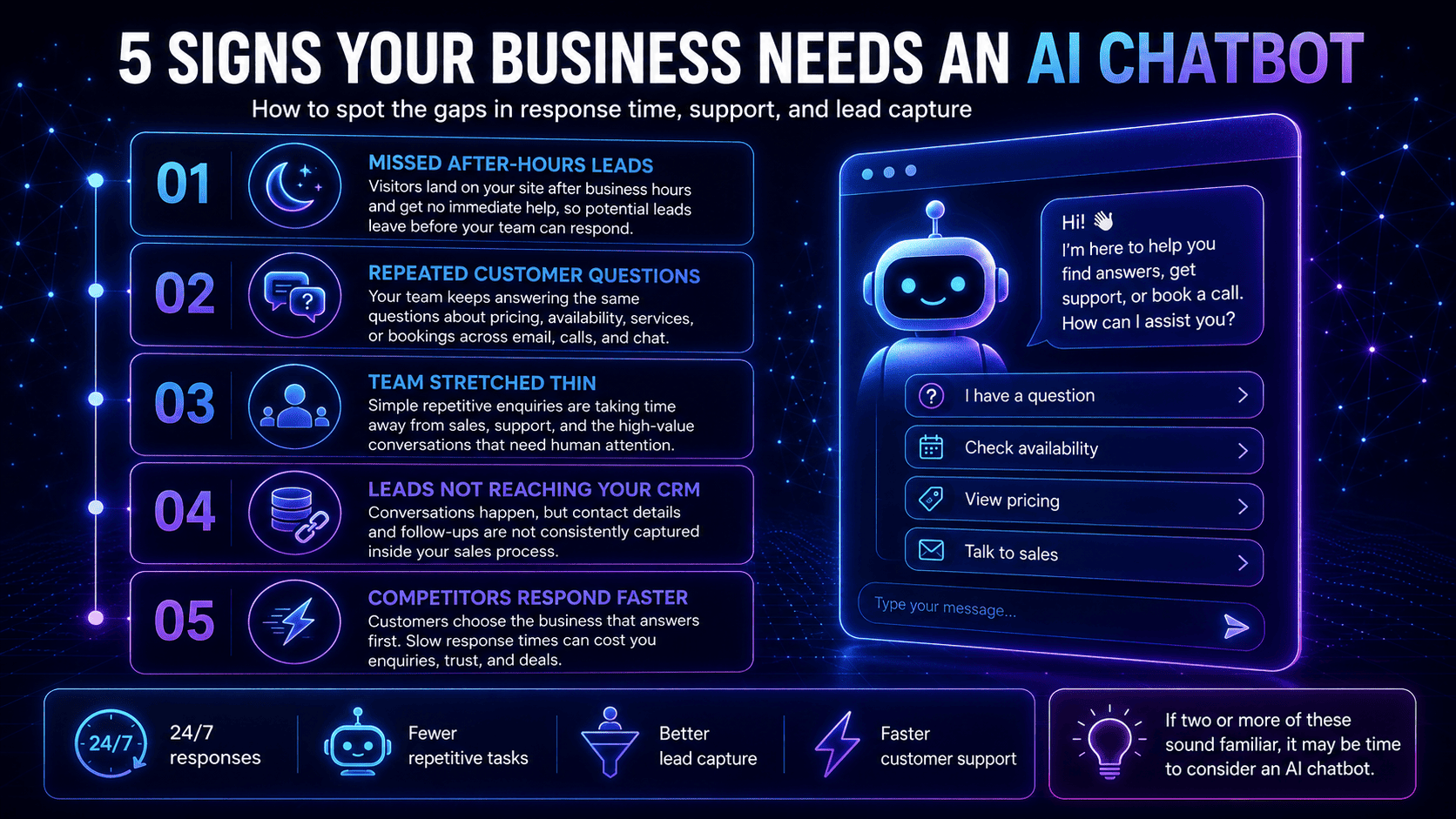
5 Signs Your Business Needs an AI Chatbot
Not sure if your business needs an AI chatbot? Discover five clear signs that automation could help you respond faster, capture more leads, and reduce repetitive work.
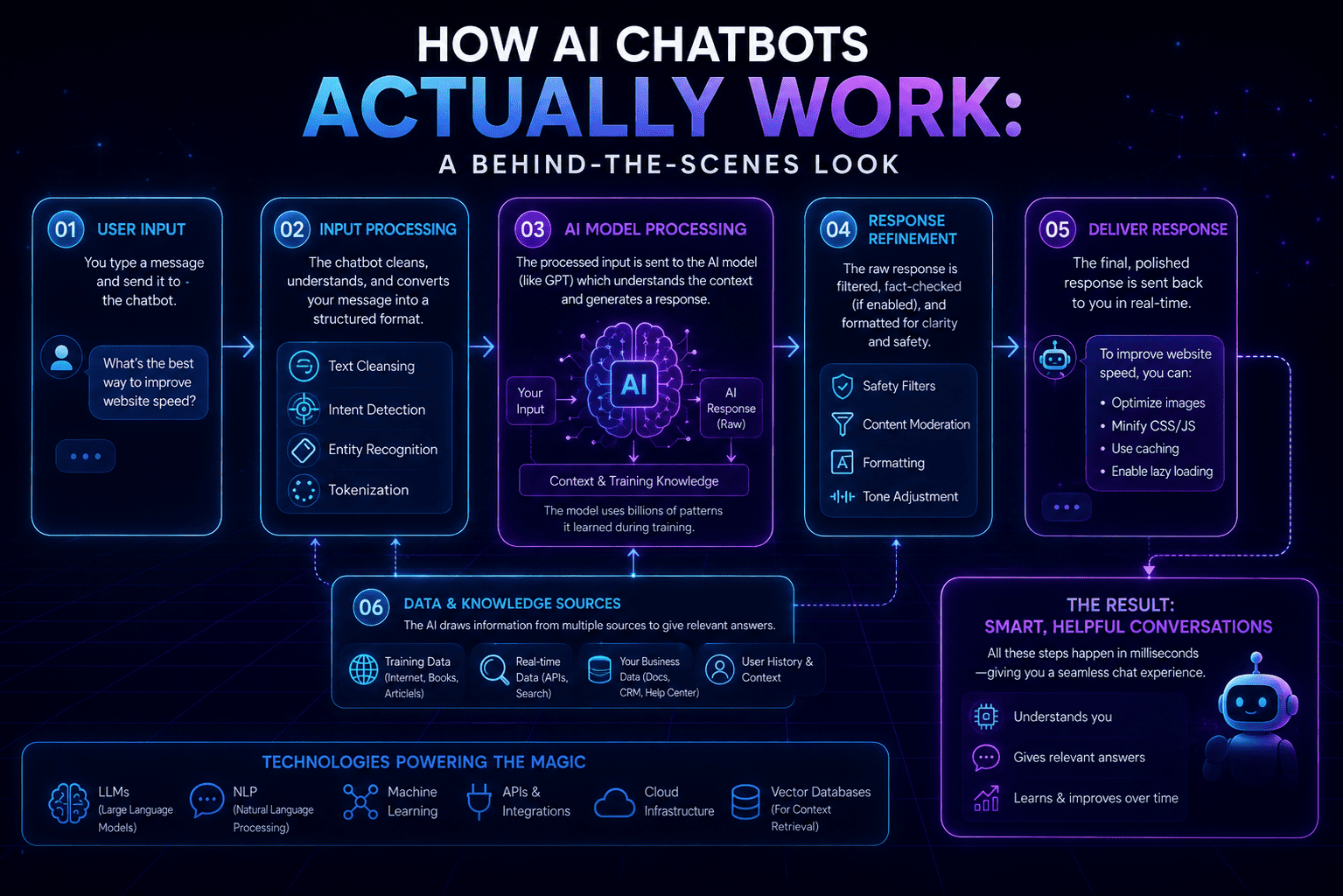
How AI Chatbots Actually Work: A Behind-the-Scenes Look
A sleek neon infographic explaining how AI chatbots work behind the scenes—from user input and AI processing to refined responses, supporting data sources, and the technologies that power them.