How to Train Your AI Chatbot to Actually Sound Like Your Brand
Learn how to train your AI chatbot to match your brand’s tone, personality, vocabulary, and communication style so every conversation feels consistent and human.
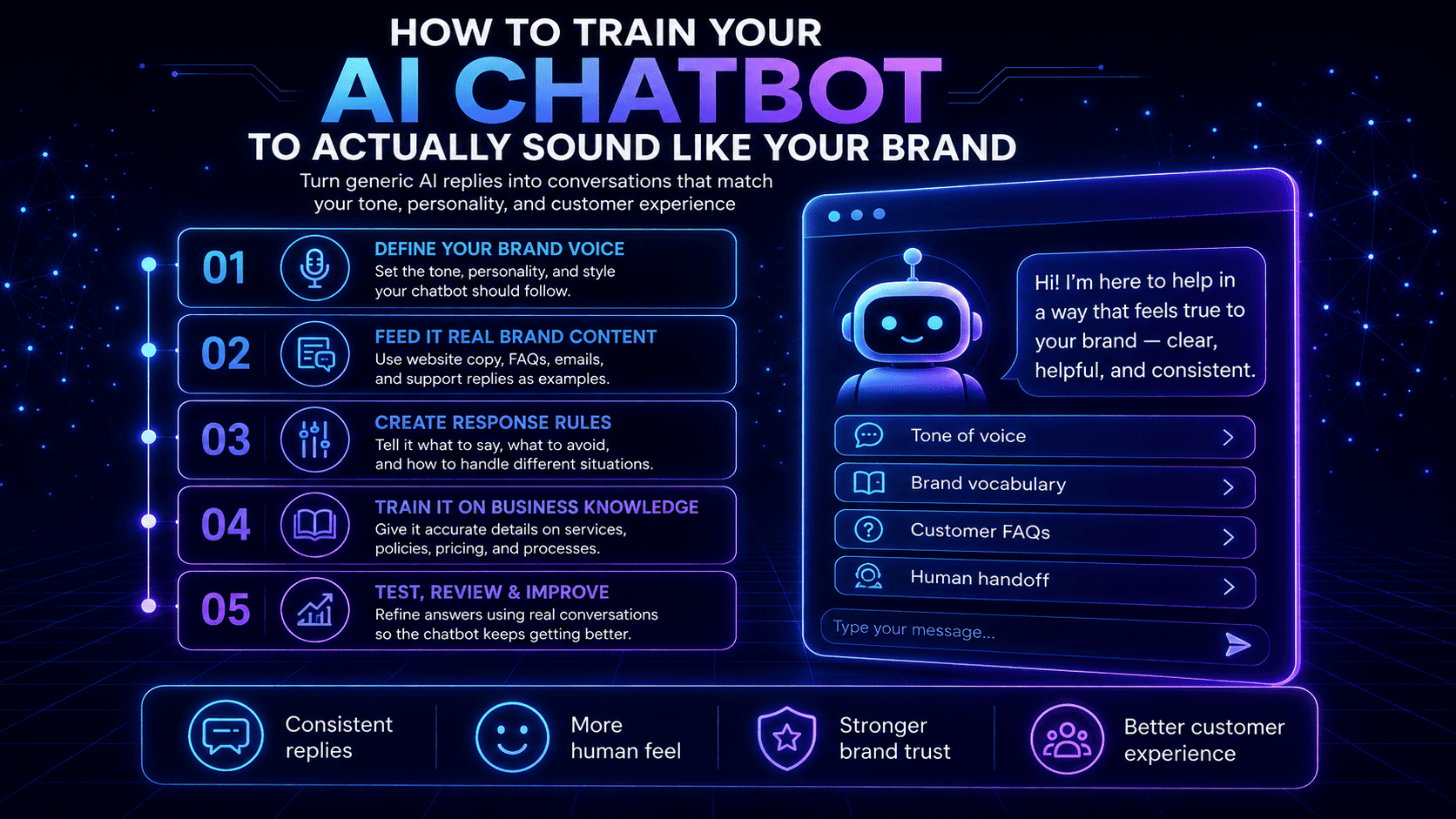
A chatbot that answers correctly but sounds like it belongs on any website isn't quite doing its job. Tone is part of what makes a visitor trust the answer they're getting, and a mismatched voice, too formal for a casual brand, too casual for a law firm, creates a small but real bit of friction at exactly the moment a business wants a visitor to feel comfortable.
Why Tone Actually Matters Here
A visitor doesn't consciously evaluate a chatbot's tone the way a copywriter would, but they feel it. A response that sounds stiff and corporate on a friendly, casual brand, or one that sounds overly breezy for a business handling something serious, reads as slightly off, even if the actual information in the answer is accurate. That small mismatch is often the difference between a visitor who trusts the answer enough to share their email and one who doesn't quite.
What Training Actually Involves
Start with what it already learns automatically. A chatbot builds its initial voice from your existing website content, so the foundation is only as strong as what's already on your site. A site with thin or inconsistent copy gives the bot less to work with.
Set an explicit greeting and personality , Beyond the auto-learned content, most platforms let you directly define tone- formal, casual, warm, direct- and a custom greeting, rather than relying entirely on what it inferred.
Provide example answers in your own words , For the handful of questions that come up most often, writing out the answer in your own phrasing, rather than letting the bot generate it purely from scanned content, is the highest-leverage single step for making it sound like you.
Use your own vocabulary, not generic terms. If your team calls something a “consultation” and the bot defaults to “appointment,” that small mismatch adds up. Correcting chatbot vocabulary to match the specific words your
business actually uses closes this gap.
Review real conversations and refine. The tone that seemed right during setup sometimes reveals gaps once real visitors start asking real questions. Treating the first few weeks of live conversations as a review period, the same
way a business might onboard a new hire, catches mismatches that setup alone won't.
The Mistake Most Businesses Make
Setting up tone once at installation and never revisiting it. A chatbot's voice, like a new team member's, tends to need
a round of real-world correction after it starts actually talking to customers, not just during initial setup.
Why This Is Worth the Effort
A chatbot that sounds like a natural extension of the business, rather than an obviously generic tool bolted onto the website, earns more trust in the exact moment that trust determines whether a visitor shares their contact information at all.
Common questions
Can I customize how my AI chatbot sounds?
Yes. Most platforms let you set an explicit tone and greeting beyond what the chatbot learns automatically from your website, and allow you to provide example answers in your own phrasing for your most common questions.
Does an AI chatbot only use my website content, or can I add more?
A chatbot typically starts by learning from your existing website content, but most platforms let you add specific FAQs, example answers, and vocabulary beyond what it picked up automatically.
How long does it take to fine-tune a chatbot's tone?
Initial setup takes minutes, but getting the tone fully right often benefits from a short review period after the chatbot starts handling real conversations, similar to onboarding a new team member.
Put these ideas into practice
Explore product features, setup guidance, or current plan details to see how Instanious can support your website conversations.
More stories to explore
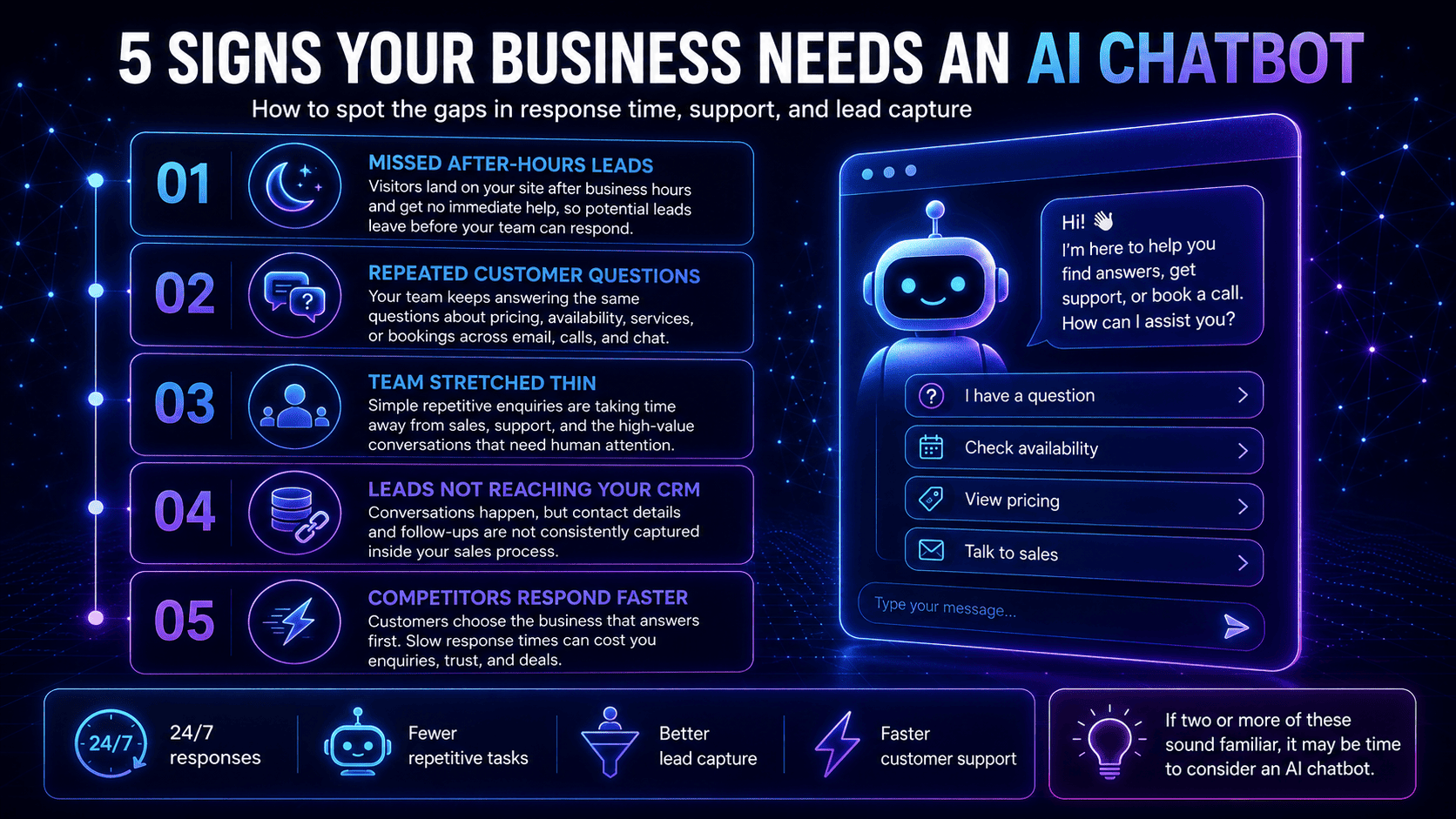
5 Signs Your Business Needs an AI Chatbot
Not sure if your business needs an AI chatbot? Discover five clear signs that automation could help you respond faster, capture more leads, and reduce repetitive work.
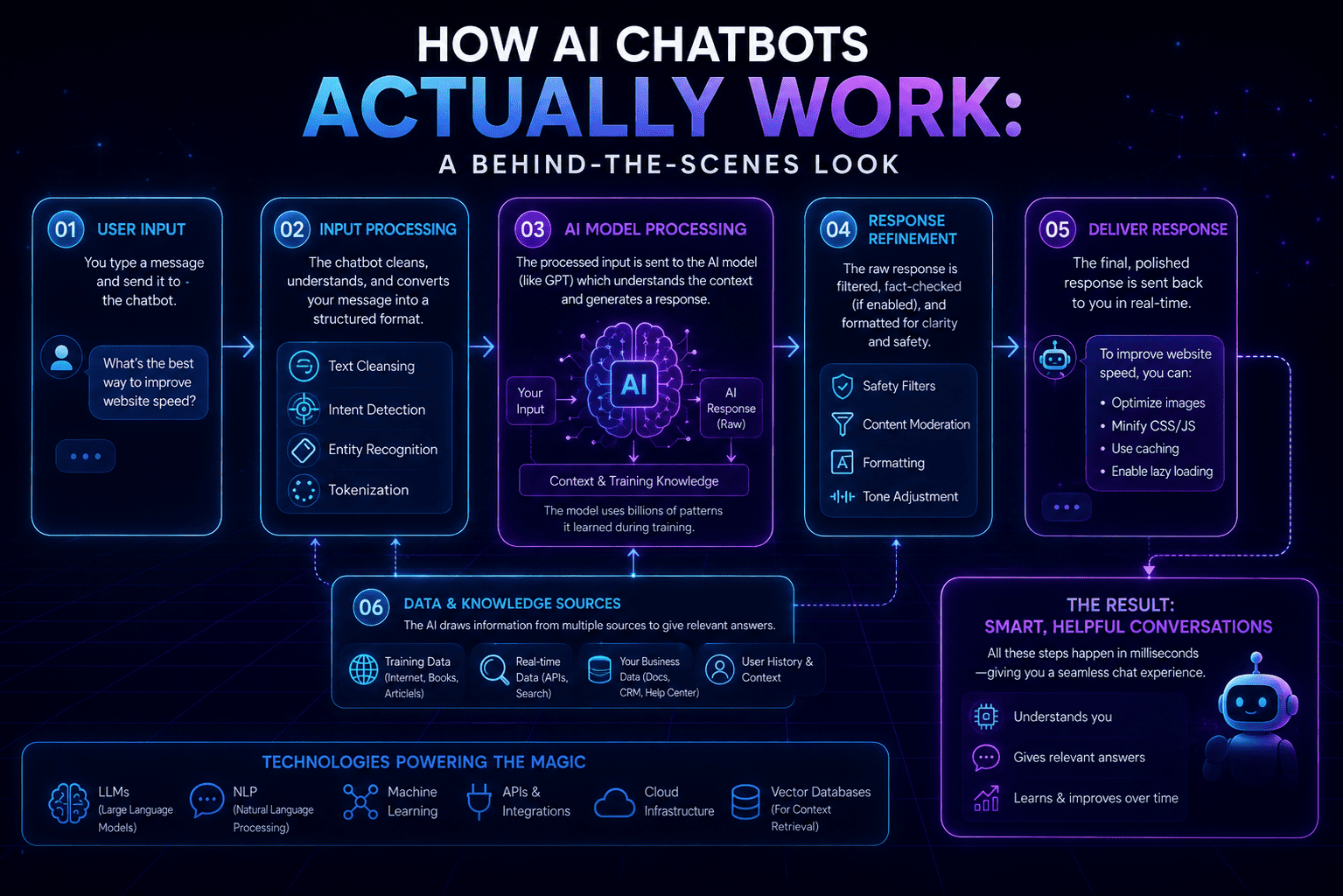
How AI Chatbots Actually Work: A Behind-the-Scenes Look
A sleek neon infographic explaining how AI chatbots work behind the scenes—from user input and AI processing to refined responses, supporting data sources, and the technologies that power them.
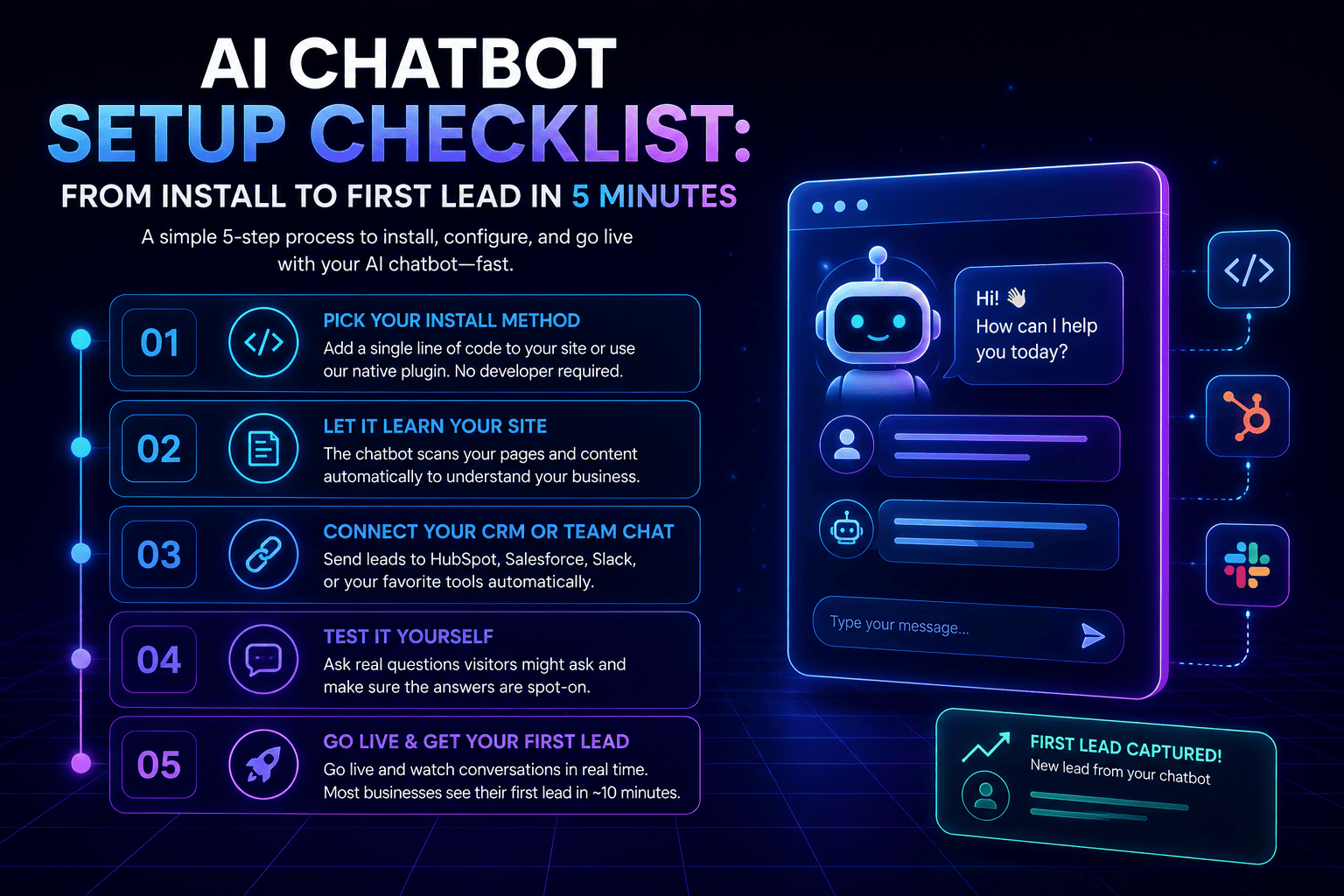
AI Chatbot Setup Checklist: From Install to First Lead in 5 Minutes
Setting up an AI chatbot doesn't have to be complicated. Follow this simple five-step checklist to install your chatbot, connect your tools, and start capturing qualified leads in just a few minutes.