How to Add an AI Chatbot to Your Shopify Store (Step-by-Step Guide for 2026)
Learn how to add an AI chatbot to your Shopify store in minutes. Answer customer questions, capture leads, and help recover abandoned carts with this simple setup guide.
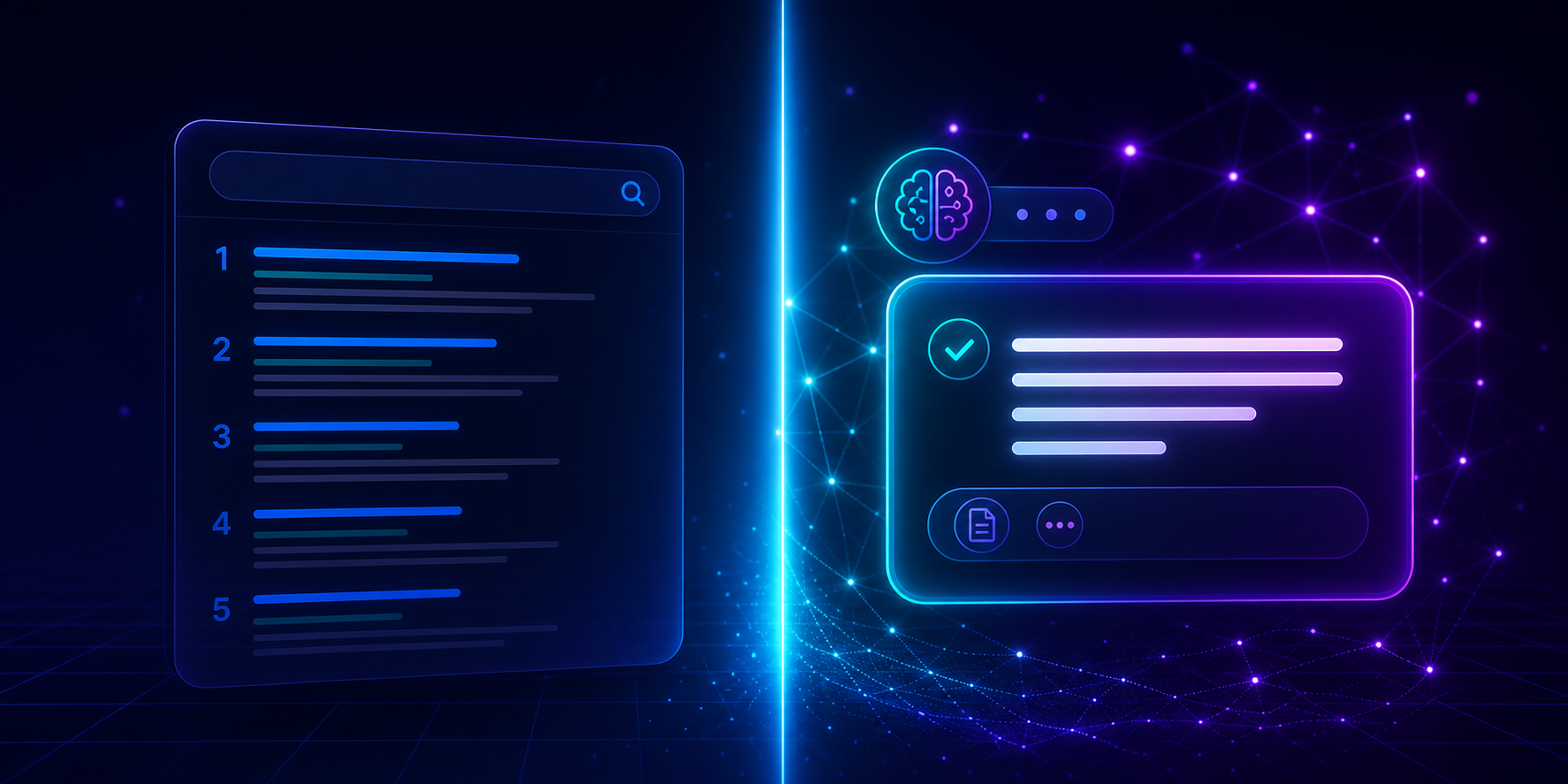
What an AI Chatbot Actually Does for a Shopify Store
Beyond answering questions, a chatbot built for e-commerce can recognize when a shopper is about to abandon their cart and step in with a relevant nudge, capture an email before someone leaves without buying, and route anything it can't answer to a live team member. The goal isn't to replace customer service; it's to make sure no shopper leaves simply because nobody was available to answer a quick question.
Step 1: Install the Chatbot
Add the chatbot through the Shopify App Store with a 1-click install, or paste a single line of code into your theme if you prefer manual setup. Either way, no developer time is required.
Step 2: Let It Learn Your Store
Once installed, the chatbot scans your product pages, policies, and existing FAQs automatically, so it can answer store-specific questions, shipping times, return policy, and sizing without being manually trained on every product.
Step 3: Connect Your Tools
Link the chatbot to your CRM or team chat; HubSpot and Slack are common choices, so captured leads and cart-recovery conversations route automatically to the right place instead of sitting in an inbox.
Step 4: Go Live and Watch Your First Conversations
Most stores are fully live within five minutes of starting setup. From there, every conversation and every recovered cart is visible in a real-time dashboard.
Why This Matters for Cart Abandonment
Cart abandonment is rarely about price. It's often a small, unanswered question at the worst possible moment. [STAT SOURCING NOTE: add a specific, cited cart-recovery figure here once available, rather than reusing an unsourced number from elsewhere on the site.] A chatbot that can answer that question in the moment, instead of after the shopper has already left, is one of the most direct ways to recover sales that would otherwise be lost.
Common questions
What an AI Chatbot Actually Does for a Shopify Store
Install it through the Shopify App Store with a 1-click integration, or paste a single line of code into your theme. The chatbot then scans your store automatically and is typically ready to use within five minutes.
Will an AI chatbot slow down my Shopify store?
A well-built chatbot loads asynchronously, meaning it doesn't block your store's page load or checkout speed.
Can an AI chatbot help recover abandoned carts?
Yes. By answering questions in real time and prompting shoppers who show signs of leaving, a chatbot can recover carts that would otherwise be lost to an unanswered question.
Put these ideas into practice
Explore product features, setup guidance, or current plan details to see how Instanious can support your website conversations.
More stories to explore
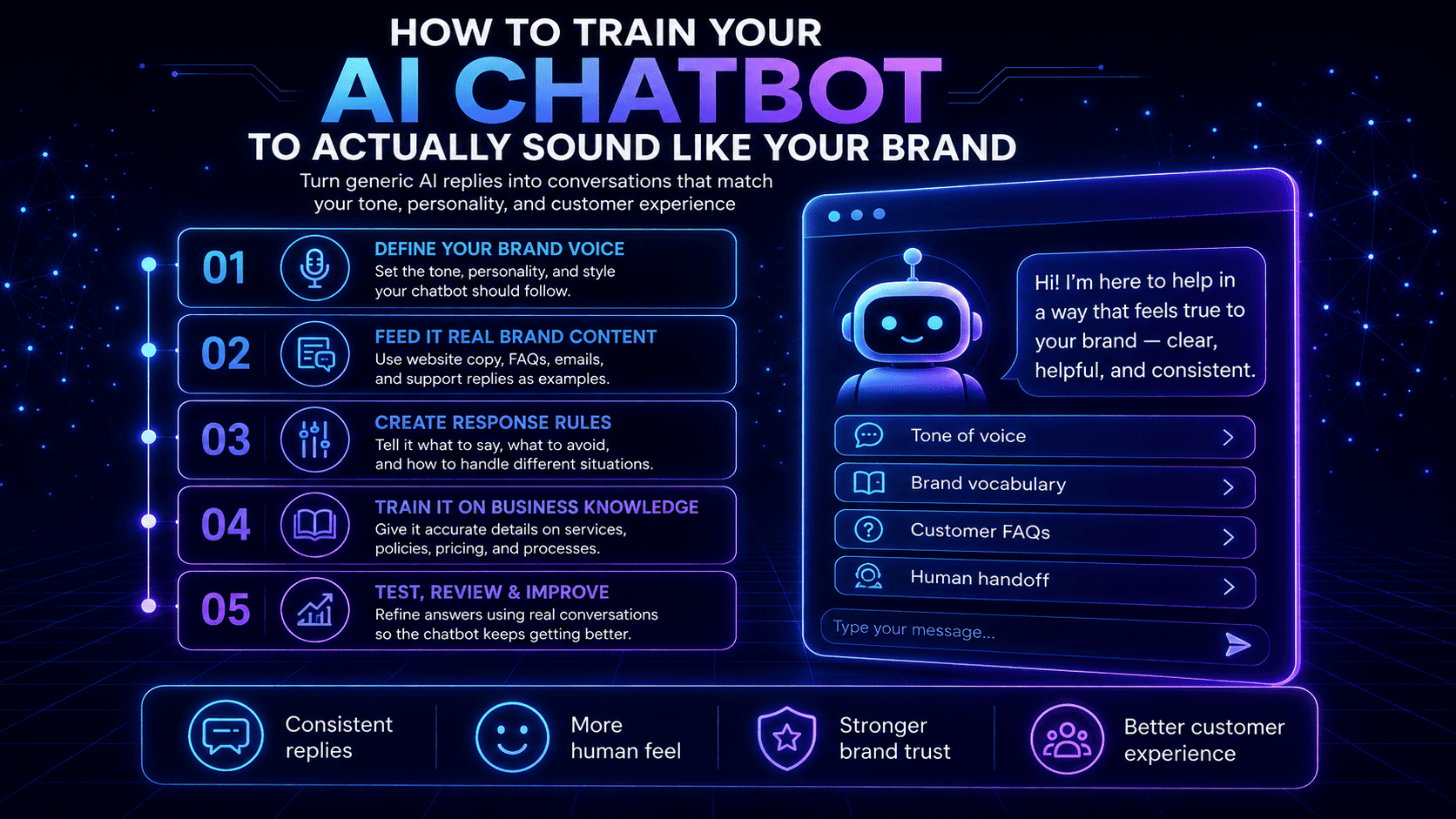
How to Train Your AI Chatbot to Actually Sound Like Your Brand
Learn how to train your AI chatbot to match your brand’s tone, personality, vocabulary, and communication style so every conversation feels consistent and human.
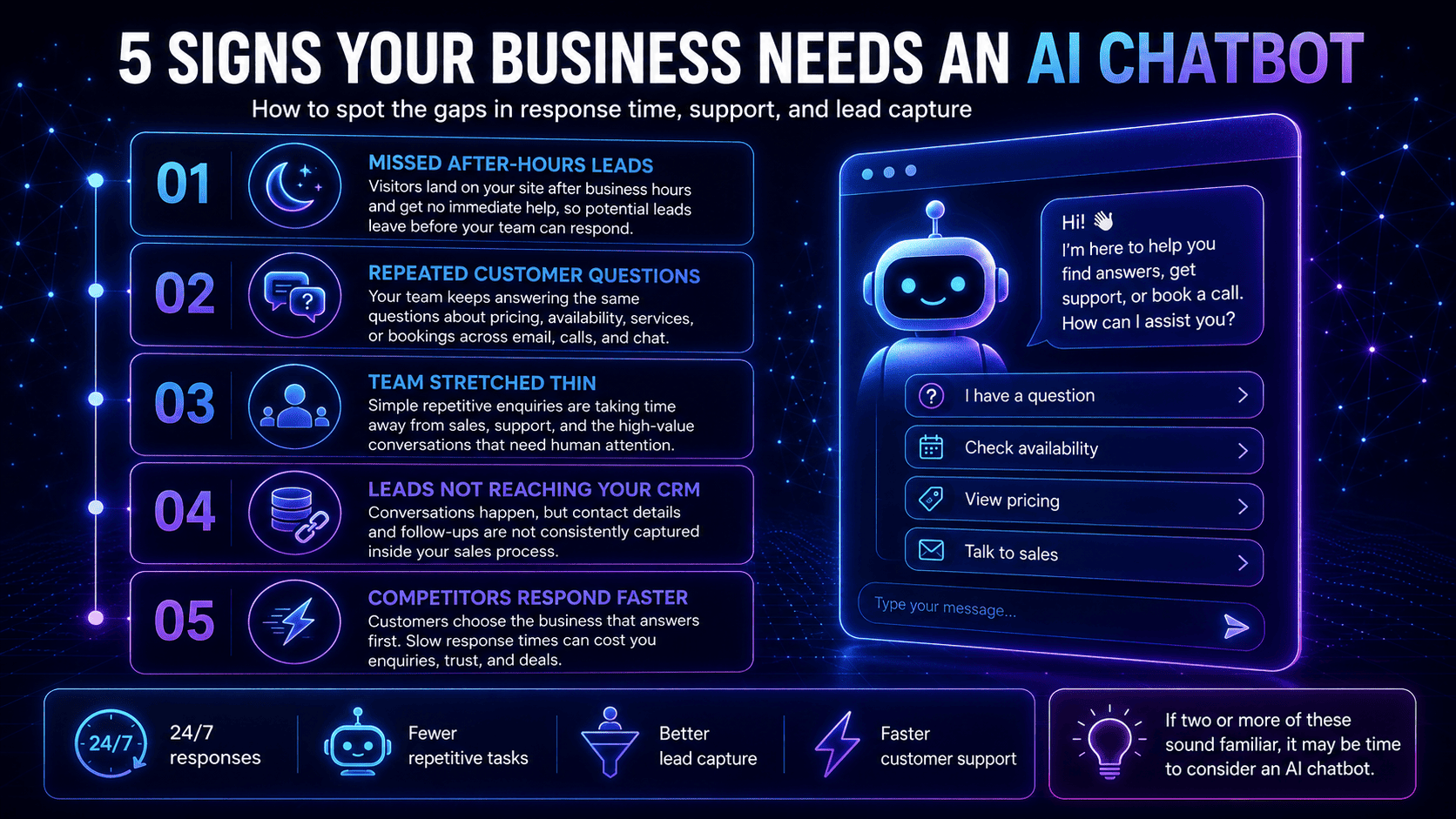
5 Signs Your Business Needs an AI Chatbot
Not sure if your business needs an AI chatbot? Discover five clear signs that automation could help you respond faster, capture more leads, and reduce repetitive work.
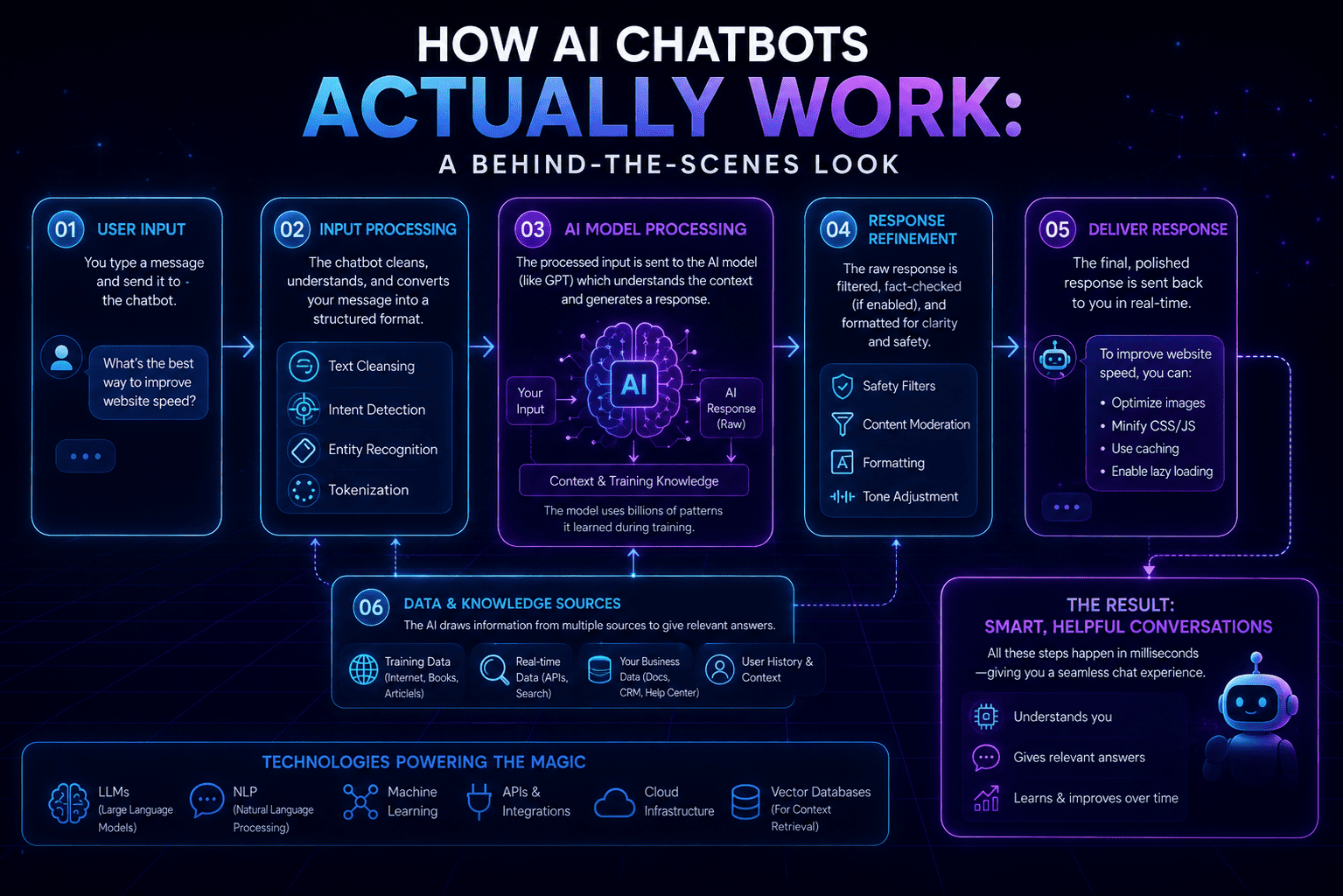
How AI Chatbots Actually Work: A Behind-the-Scenes Look
A sleek neon infographic explaining how AI chatbots work behind the scenes—from user input and AI processing to refined responses, supporting data sources, and the technologies that power them.